[Info] NANO <USB Serial Port> Driver Installation Guide
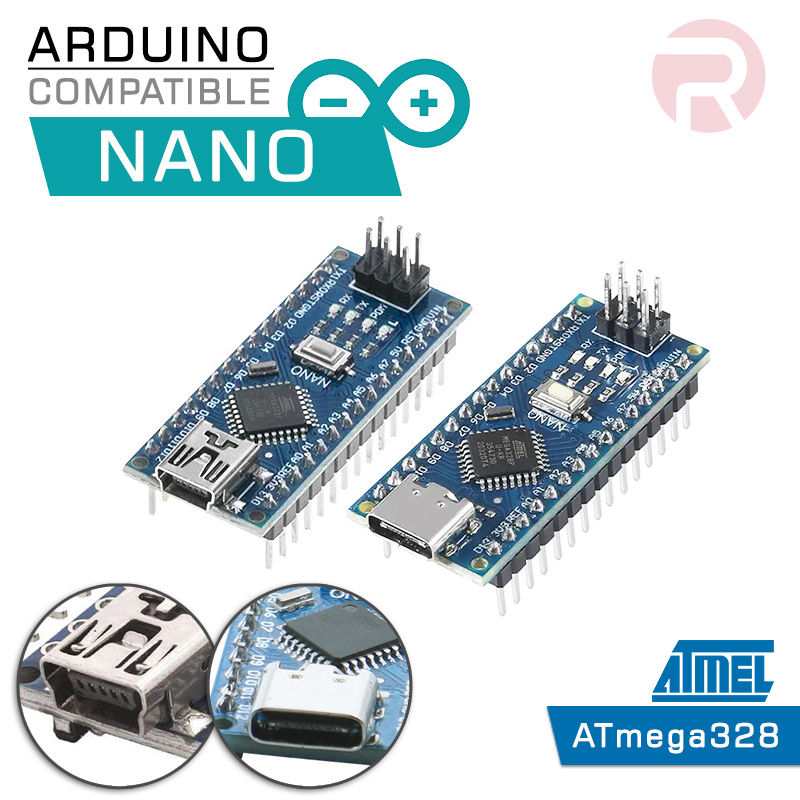
This driver is for the latest version of NANO which uses an FTDI USB driver.
Step 1
Download the file below for Windows
or
CDM 2.08 (USB Serial Port) (1.29MB)
Step 2
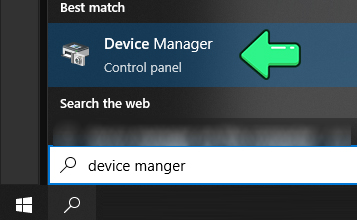
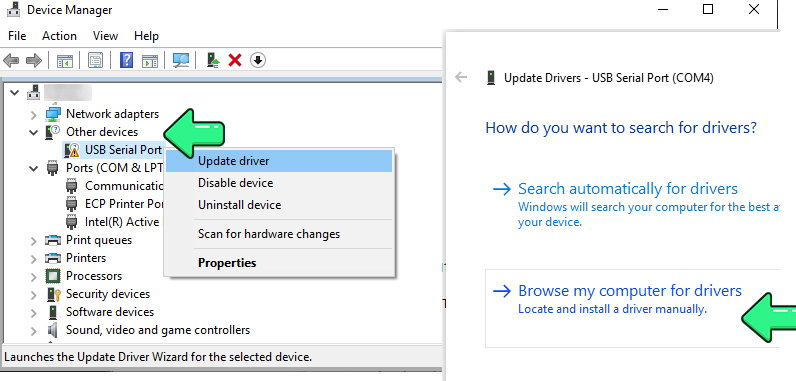
Go to "Device Manager" of Windows
Step 3
Find the newly inserted device & "Update the driver" by "Browse my computer for drivers"
Step 3
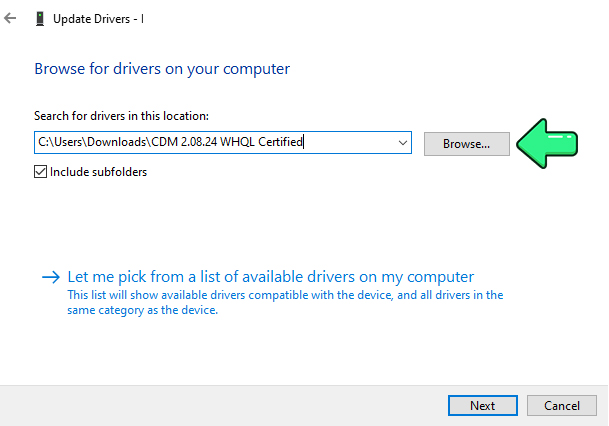
Find the file you download in Step 1 (may need to unzip it)
Step 4
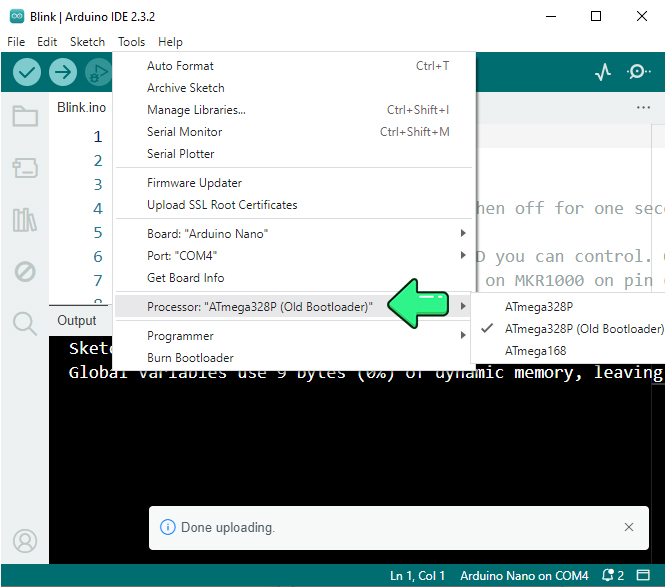
Done, you may Select the correct COM port from Arduino IDE and upload
Others
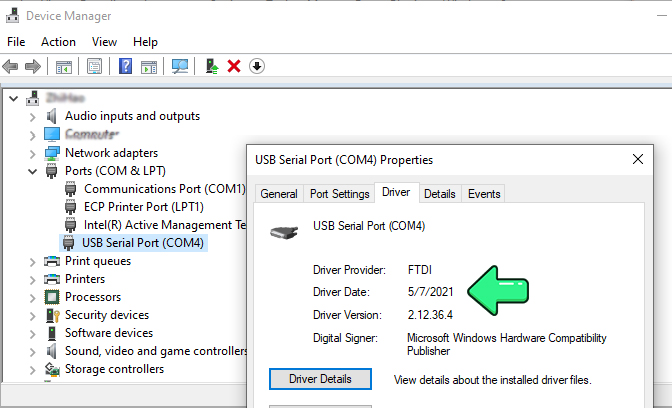
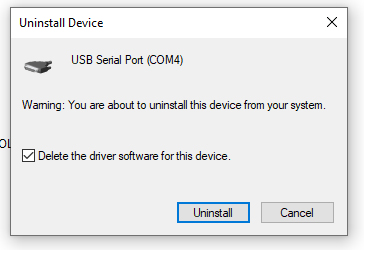
If your Windows recognizes it other than the year 2021 Driver (eg 2022, 2023), you'll need to uninstall the driver & install it again with a 2021 version.